Free & Open Source Software

Tools built for
real problems

A collection of free utilities I've built along the way. Download, use, share — no strings attached.

22 Programs
100% Free
0 Ads

// Update news

ALL NEWS

// New release

BackDrop interface
Just released
BackDrop

BackDrop hides your desktop behind a solid colour or an image while you record a tutorial or stream, so icons, folders and personal files never reach the frame. You can draw straight on the cover — pencil, lines, shapes, arrows and text captions — and the magic pencil leaves strokes that fade away by themselves after a few seconds, so you can point at things without stopping to clean up. See-through mode turns the program into a sheet of tracing paper: the cover disappears and you annotate your running applications directly, while putting the tool down hands clicks straight back to the app underneath. What you drew saves to PNG or JPG, or reaches the clipboard with a single keystroke — and in see-through mode that gives you a finished annotated screenshot. It needs no installer, keeps its settings beside the executable, and can ask for confirmation before minimising or closing, so the desktop never appears in the middle of a recording. At a glance: · Solid colour or your own image — 18 ready-made colours, or any other · Drawing on top: pencil, eraser, line, rectangle, circle, triangle, arrow, text · Magic pencil — strokes fade away on their own after 1–30 seconds · See-through mode — draw over your running applications · Save as PNG/JPG and copy to the clipboard · Guards against uncovering the desktop by accident while recording · Portable: settings and pictures live beside the program

v1.0 Windows

// Software

BackDrop
BackDrop
BackDrop hides your desktop behind a solid colour or an image while you record a tutorial or stream, so icons, folders and personal files never reach the frame. You can draw straight on the cover — pencil, lines, shapes, arrows and text captions — and the magic pencil leaves strokes that fade away by themselves after a few seconds, so you can point at things without stopping to clean up. See-through mode turns the program into a sheet of tracing paper: the cover disappears and you annotate your running applications directly, while putting the tool down hands clicks straight back to the app underneath. What you drew saves to PNG or JPG, or reaches the clipboard with a single keystroke — and in see-through mode that gives you a finished annotated screenshot. It needs no installer, keeps its settings beside the executable, and can ask for confirmation before minimising or closing, so the desktop never appears in the middle of a recording. At a glance: · Solid colour or your own image — 18 ready-made colours, or any other · Drawing on top: pencil, eraser, line, rectangle, circle, triangle, arrow, text · Magic pencil — strokes fade away on their own after 1–30 seconds · See-through mode — draw over your running applications · Save as PNG/JPG and copy to the clipboard · Guards against uncovering the desktop by accident while recording · Portable: settings and pictures live beside the program
v1.0 Windows 90 Mb  •  2026-08-10
Scene_Manager
Scene_Manager
Scene Manager is a visual library for your 3D models with a version history: a card with a preview for every asset, instead of a folder full of final_v2_fix_new.mb. Every file you drop onto a card becomes the next revision and is marked read-only, so nothing is ever overwritten and older versions stay one click away. Its other half is a plugin for Maya 2019–2026: the same board inside Maya, where a scene opens or imports with a single button and any revision can be picked. It handles .ma, .mb and .fbx, and a project is just a folder on disk — no server, no database.
v1.3 Windows Maya 2019+ 50 Mb  •  2026-08-01
MayaMerge
MayaMerge
MayaMerge — move objects between scenes, like Merge in 3ds Max MayaMerge lets you open any file (.mb/.ma/.fbx/.obj), pick exactly the objects you need from a handy list, and bring only those into your current scene — with no junk: only the selection's own materials, skin and animation come across. Its highlight is Detach mode: you can pull a working sub-rig (say, a weapon with its control bones) out of a character as a standalone, still-animated prop, with animation and skin intact. And for total isolation there's an off-screen mode, where your scene never touches the source file at all. Who it's for: animators, riggers, and anyone who assembles scenes from pieces and is tired of dragging clutter out of other people's files.
v1.1 Windows Maya 2019+ 50 Mb  •  2026-07-24
FuryNotes
FuryNotes
FuryNotes is a fast, distraction-free notepad for Windows with one breakthrough idea: there is nothing to save and nowhere to lose. Every note becomes a real file the moment you start typing and saves itself automatically — no Save button, no "where should I put this?" dialog. Your notes stay yours: they'replain Markdown text files you can open anywhere, wrapped in a clean, dark, beautifully formatted editor with folders, links, and instant search across everything.
v1.1.7 Windows 47 Mb  •  2026-07-30
Quick Text Drop
Quick Text Drop
Quick Text Drop is a utility for instantly saving clipboard text to a file. Press Ctrl+C — and the text is automatically saved as TXT or DOCX with a timestamp. Perfect for collecting references, sending logs, and managing text notes.
v1.1 Windows 50 Mb  •  2026-05-17
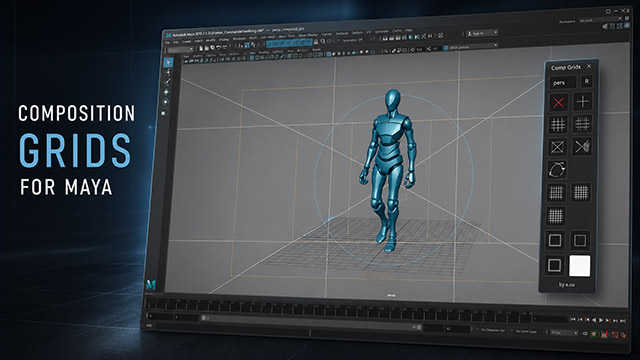
Maya Compositoon Grids
Update 19.05.2026 ver1.2. A free composition grids tool for Autodesk Maya that helps artists frame shots using classic composition rules.
v1.2 Windows Maya 2019+ 100 Kb  •  2026-05-17
Frames Commander
Frames Commander
Frames Commander is a specialized video player designed for animators and VFX artists who need precise frame-by-frame control over their references. Features multiple viewing modes including split-screen comparison, 2x2 grid for viewing up to 4 videos simultaneously, and video layers with adjustable opacity. Includes two-way Maya synchronization, drawing tools for on-frame annotations, professional composition grids, and Overlay Pro mode for floating references over any software. Free, portable, no installation required.
v1.18 Windows Maya 2019+ 116 Mb  •  2026-06-27
RoadMapper
RoadMapper
Visual timeline planner for teams. Create tracks for team members, drag tasks across dates, and see your entire project at a glance. Supports Excel import/export, workday calculations, and deadline tracking. Free desktop app for Windows — no account required.
v2.3.1 Windows 300 Mb  •  2026-04-29
Year Sprint
Year Sprint
YearSprint — a minimalist year progress tracker that turns abstract time into a visual picture. Each passed day becomes a colored cell in a 365-day grid, creating a beautiful gradient from red to green. Track your year at a glance, add daily wishes you can't edit later (keeping them honest), and export your thoughts at year's end. Full source code included. A single portable EXE — no installation needed.
v1.0 Windows 46 MB  •  2026-04-22
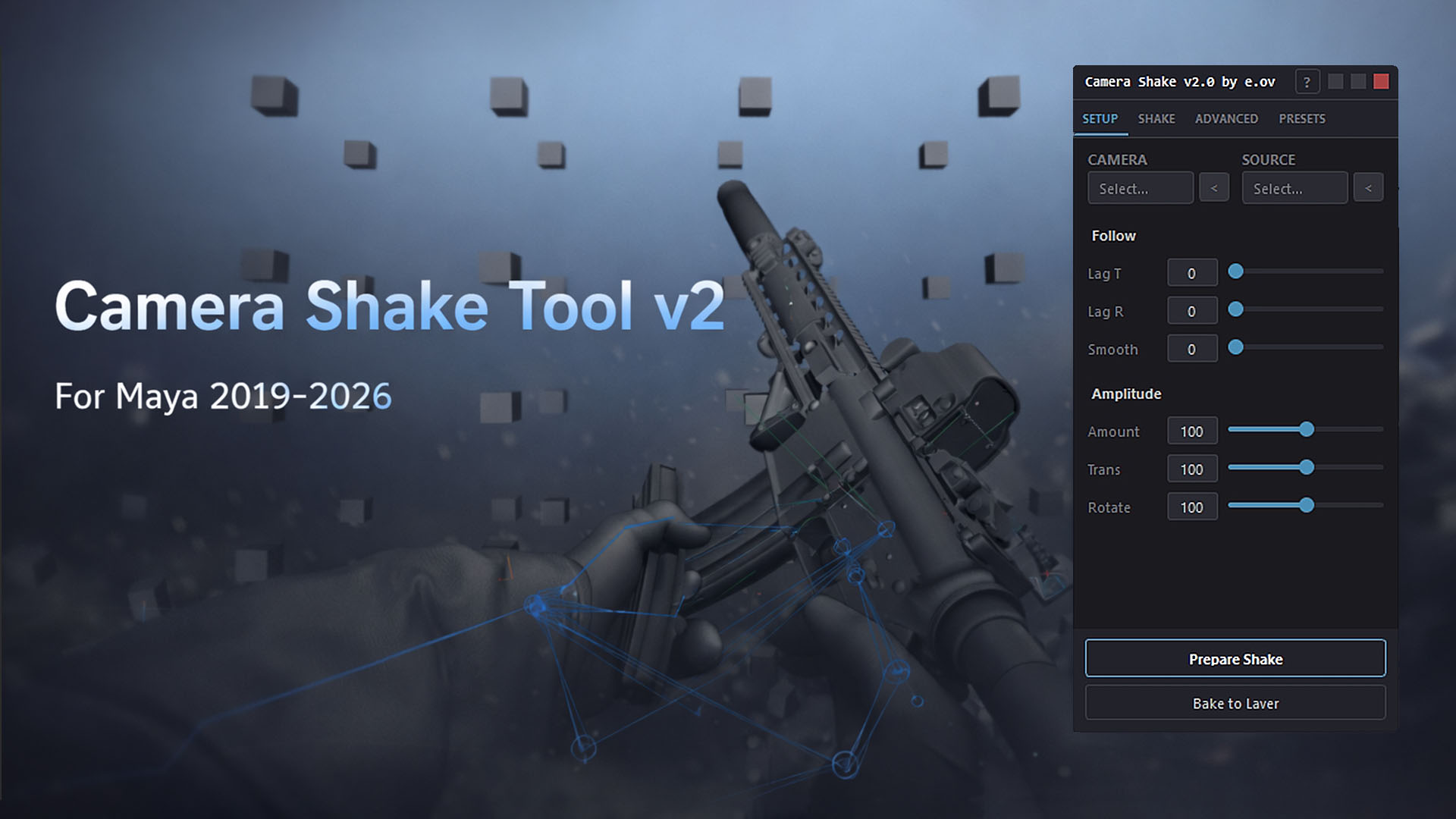
Сamera Shake Tool
Сamera Shake Tool
Camera Shake Tool for Maya 2019–2026 — a tool that generates realistic camera shake based on any animated object's movement. Three modes: add shake to static cameras, layer it over existing animation, or stabilize overly shaky mocap-driven cameras like a virtual steadicam. Real-time preview, per-axis control, animation layer output. Perfect for adding that hand-held feel or impact vibrations to your shots.
v2.1 Windows Maya 2019+ 1.5 MB  •  2026-04-11
Free Motion Trail 1.4 Public Beta
EU FreeMotionTrail v1.4 Public Beta free Maya plugin for visualizing object motion paths. Displays animation trajectory in real-time directly in the viewport with customizable colors, line styles, orientation frets, and velocity-based temperature coloring. Supports Animation Layers. Works in Maya 2019–2026. This is a public beta! Your feedback, bug reports, and feature ideas are very welcome.
v1.4 Windows Maya 2019+ 2 Mb  •  2026-04-02
EU Anim Curve Tools
EU Anim Curve Tools
Updated! EU Anim Curve Tools is a toolkit for manipulating animation curves in Maya. It lets you quickly smooth, scale, time-offset, and ease selected keys using intuitive sliders. Includes 14 tools: Pull/Push, Smooth/Rough, Ease In/Out, Time Offset, Scale, and more. Works with Maya 2019–2026. Currently in open beta — feedback and bug reports are welcome!
v2.57 Windows Maya 2019+ 3 Mb  •  2026-04-07
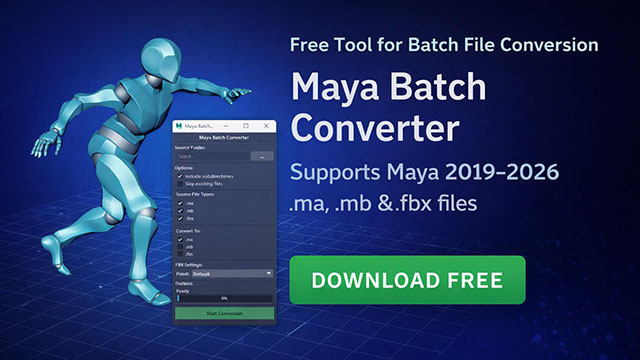
Maya Batch Converter
Batch convert Maya scenes between MA, MB, and FBX formats. Supports recursive folder processing, FPS preservation, and works with Maya 2019–2026.
v1.0 Maya 2019+ 1 MB  •  2025-03-28
Feedback Like A Boss
Keep feedback, tasks, notes and references all in one place — linked to specific project elements and always one click away. Born in animation production, built for any field.
v4.62 Windows 120 MB  •  2025-03-16
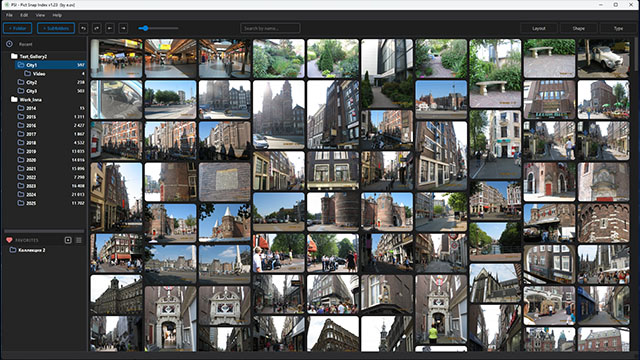
PSI — Pict Snap Index
Index your media folders once — then browse the full thumbnail gallery at any time, even with the source drives offline. Thousands of photos and videos, always at hand.
v1.23 Windows macOS 121 MB  •  2025-03-16
SortMatic5000
SortMatic5000
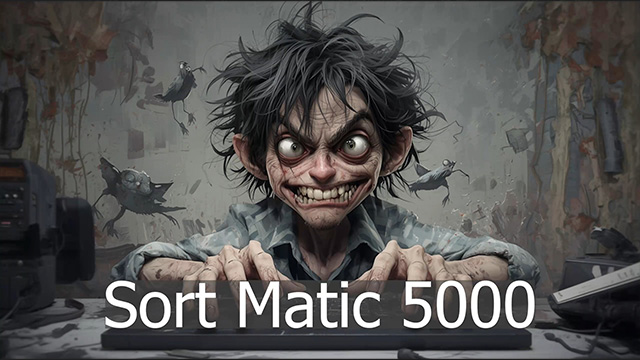
If you work in 3D, design or animation, your hard drive is probably a mess. Textures, renders, references, PDFs, assets — all mixed together. SortMatic5000 sorts the chaos into order automatically.
v1.0 Windows 340 MB  •  2025-03-15
FolderTree Collector
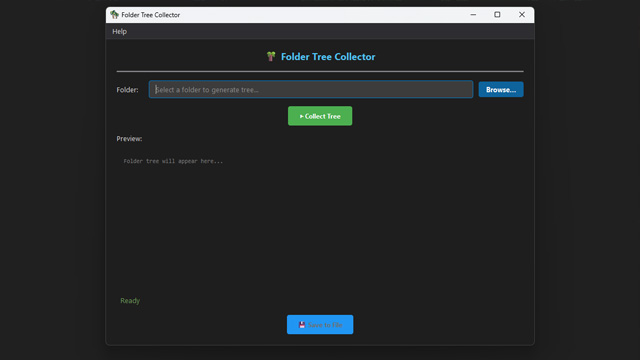
Scans any folder and builds a full directory tree with timestamps. Export the result to a .txt file in one click. Simple, free, source code included.
v1.0 Windows 44 MB  •  2025-03-15
Swap Animation
Swap Animation
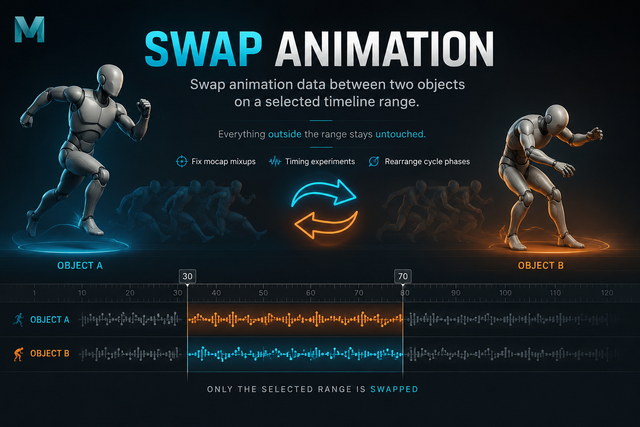
Swaps animation data between two objects on a selected timeline range. Everything outside the range stays untouched. Perfect for fixing mocap mixups, timing experiments or rearranging cycle phases.
v1.0 Windows Maya 2019+ 3 KB  •  2025-03-15
Scene Review Tool
Scene Review Tool
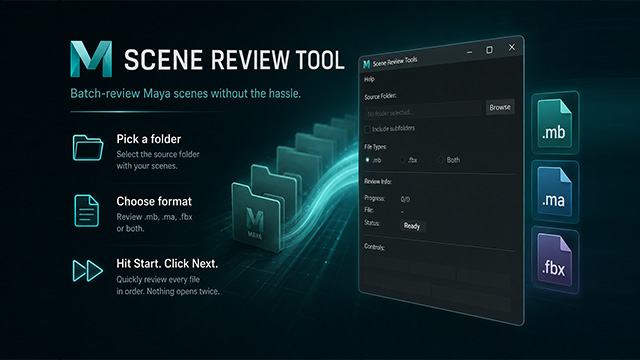
Batch-review Maya scenes (.mb, .ma, .fbx) from a folder without opening each file manually. Pick a folder, choose format, hit Start — then click Next through every file in order. Nothing gets opened twice.
v1.0 Windows Maya 2019+ 16 KB  •  2025-03-15
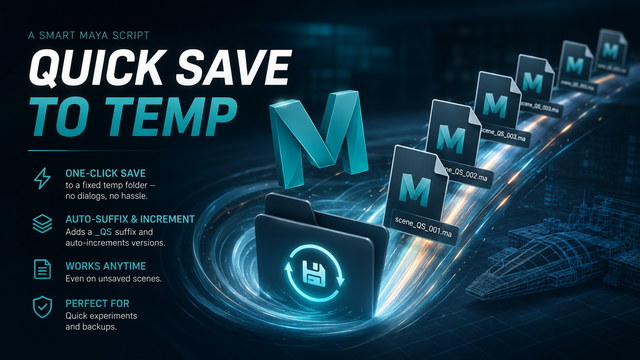
Quick Save to Temp
Quick Save to Temp
One-click save to a fixed temp folder — no dialogs, no hassle. Adds a _QS suffix and auto-increments versions. Works even on unsaved scenes. Perfect for quick experiments and backups.
v1.0 Windows Maya 2019+ 7 KB  •  2025-03-15
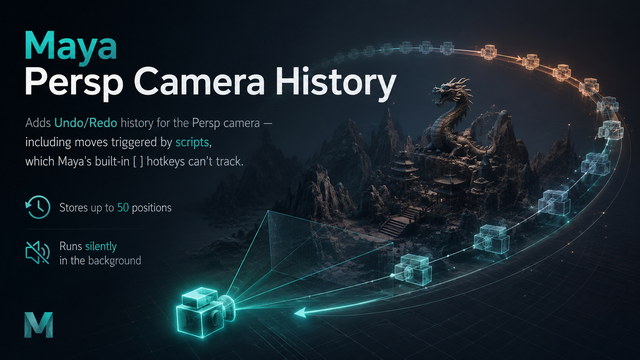
Maya Persp Camera History
Adds Undo/Redo history for the Persp camera — including moves triggered by scripts, which Maya's built-in [ ] hotkeys can't track. Stores up to 50 positions, runs silently in the background.
v1.0 Windows Maya 2019+ 9 KB  •  2025-03-15
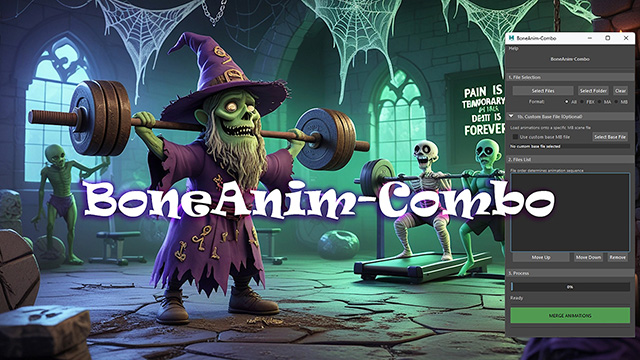
BoneAnim Combo
BoneAnim Combo
Merges multiple animation files into a single continuous sequence. Built for working with large animation libraries. Copy to shelf and go.
v1.2 Windows Maya 2019+ 89 KB  •  2025-03-15

// About

Hi, I'm Eugene Melnikov

Character animator since 2006. I lead an animation outsource division, mentoring animators and shaping the creative process from brief to final shot.

Alongside animation, I write Python scripts to improve pipeline workflows and smooth out collaboration between animation teams. My tools are born out of real production pain — if something is repetitive and boring, I automate it.

Building Windows utilities is part hobby, part pragmatism — 50/50. I enjoy thinking up features, optimising processes, and occasionally shipping something useful to the world for free.

  • Lead animator & animation team lead
  • Character animation since 2006
  • Python scripting for animation pipelines
  • Windows utilities for everyday automation
  • All tools here are free, no strings attached